 OmniAudio
OMNIAUDIO GUIDE
128 vs 192 vs 256 vs 320 kbps: How to Choose Audio Bitrate
Bitrate controls how much data a lossy encoder can use over time. A larger number usually means a larger file, but it does not guarantee better sound than the source.
Updated: 2026-08-01 · 6 min read
Quick answer
Use Automatic when you simply need a compatible conversion. For manual choices, 128 kbps can suit speech and size-sensitive sharing, 192 kbps is a balanced general choice, and 256 or 320 kbps is more appropriate when music quality matters and file size is less important.
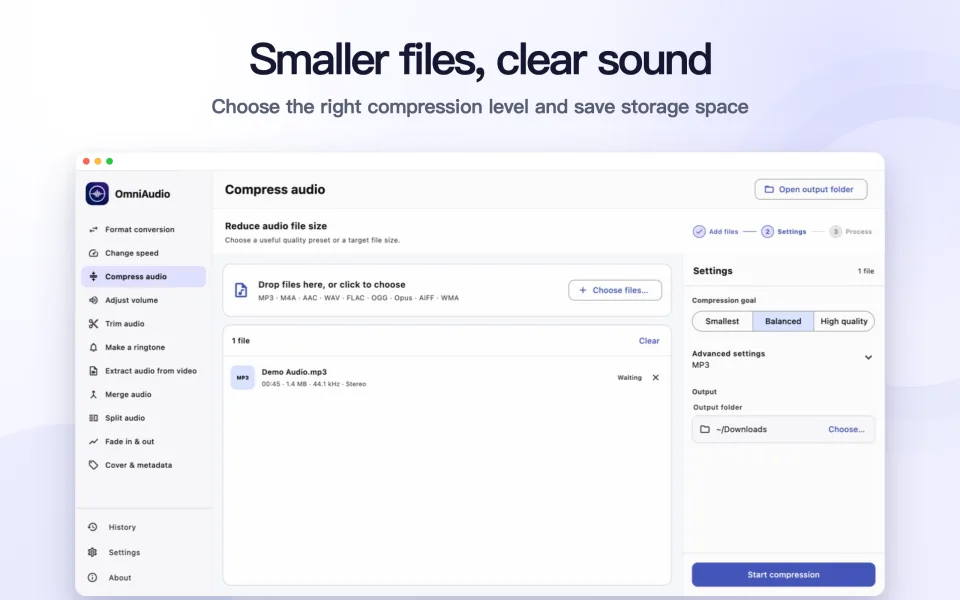
Step by step
Start with the purpose
Speech, temporary sharing, music listening, and archiving have different priorities.
Check the source quality
Choosing 320 kbps cannot restore detail from a low-quality source.
Use Automatic when uncertain
OmniAudio keeps quality controls under Advanced settings so routine conversions do not require codec knowledge.
Compare a short representative section
Listen with the headphones or speakers you normally use and compare file sizes before processing a large collection.
Good to know
128 kbps
A smaller file; often suitable for speech or restricted upload sizes.
192 kbps
A practical balance for many everyday listening situations.
256–320 kbps
Larger files with more room for complex music, when the source is good enough.
Lossless formats
WAV, FLAC, ALAC, and AIFF are not meaningfully selected by the same lossy bitrate choices.
Common questions
Is 320 kbps always the best choice?
No. It may only create a larger file when the source is already limited or the listening situation does not reveal a difference.
What should I choose for a simple format conversion?
Leave quality on Automatic. Change it only when a platform or workflow specifies a particular bitrate.