Convert & extract
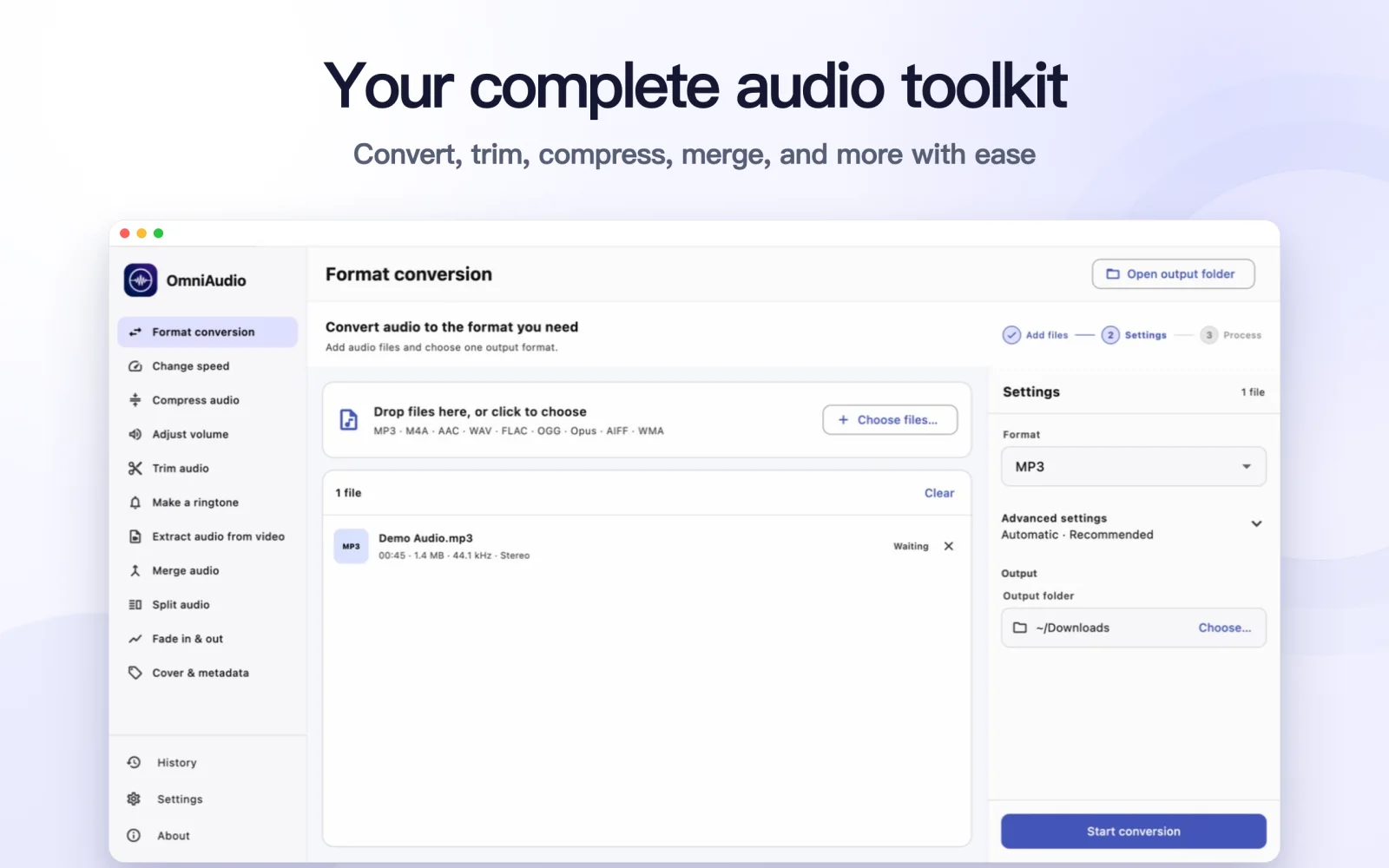
Convert MP3, M4A, AAC, WAV, FLAC, ALAC, OGG, Opus, AIFF, or WMA, and save audio from video.
 OmniAudio
AUDIO TOOLKIT FOR MAC
Convert, trim, compress, merge, and edit audio without turning a simple task into a complicated project.
Designed for Apple silicon · Audio processing stays on your Mac
EVERYDAY AUDIO, CLEARLY ORGANIZED
OmniAudio is a local audio toolkit for Apple silicon Macs. Each tool focuses on one familiar job and keeps optional technical choices out of the way.
Convert MP3, M4A, AAC, WAV, FLAC, ALAC, OGG, Opus, AIFF, or WMA, and save audio from video.
Keep one section, divide a long recording by time, count, or silence, and join clips in order.
Reduce file size, change speed or volume, and add smooth fades while keeping the task simple.
Export M4R or MP3 ringtones, and update cover art and tags in supported formats.
BUILT AROUND THE RESULT
File choices and output controls stay close to the task you are completing.
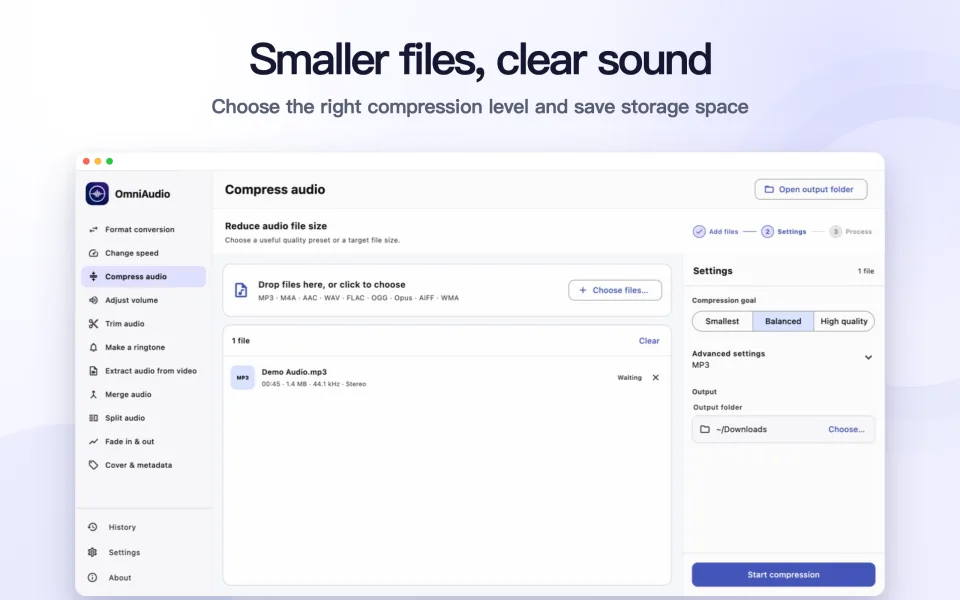
Compress one file or a whole batch while keeping the original format by default.
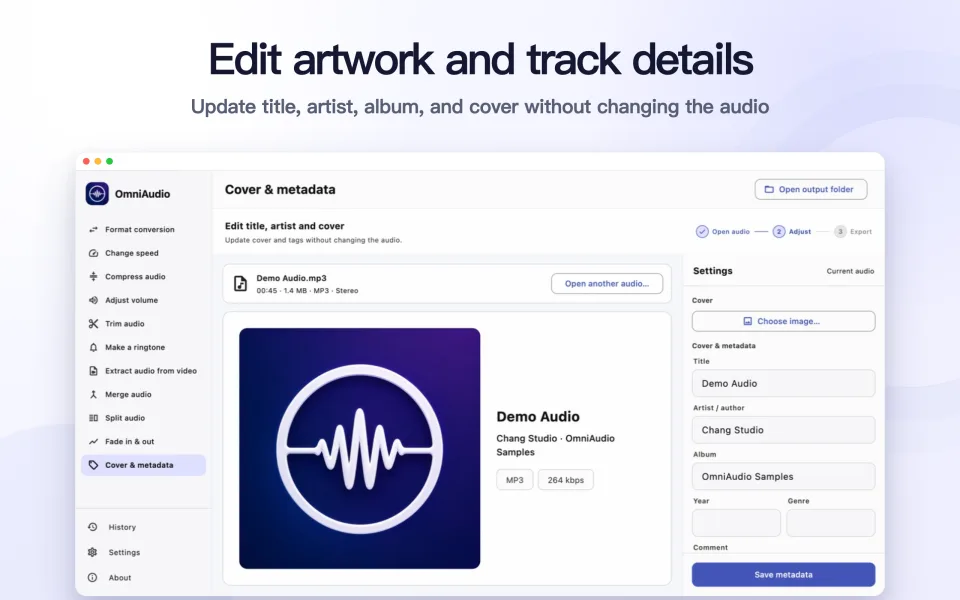
Preview and update cover art, title, artist, album, genre, year, and comments.
PRACTICAL GUIDES
Step-by-step guides for common audio questions, based on the actual OmniAudio workflow.
Guide · 7 min read
Convert an M4A audio file to MP3 on your Mac with clear output settings and local processing.
Read guide →Guide · 7 min read
Reduce MP3, M4A, FLAC, WAV and other audio file sizes on Mac while keeping the source format by default.
Read guide →Guide · 7 min read
Save the audio track from MP4, MOV, MKV, AVI, WebM, or M4V as a separate file on your Mac.
Read guide →Guide · 7 min read
Select a favorite audio segment and export a phone-ready M4R or MP3 ringtone on your Mac.
Read guide →Your audio, video, cover images, and exported files are not uploaded to Chang Studio.