 OmniAudio
OMNIAUDIO GUIDE
MP3 vs M4A vs FLAC vs WAV vs OGG: Which Audio Format Should You Use?
The best format depends on where the file will be used. Compatibility, file size, editing needs, and whether audio data may be discarded all matter more than the extension alone.
Updated: 2026-08-01 · 6 min read
Quick answer
Choose MP3 for broad compatibility, M4A/AAC for efficient everyday playback, FLAC or ALAC for lossless archives, WAV or AIFF for production handoffs, and Opus or OGG when the destination explicitly supports them.
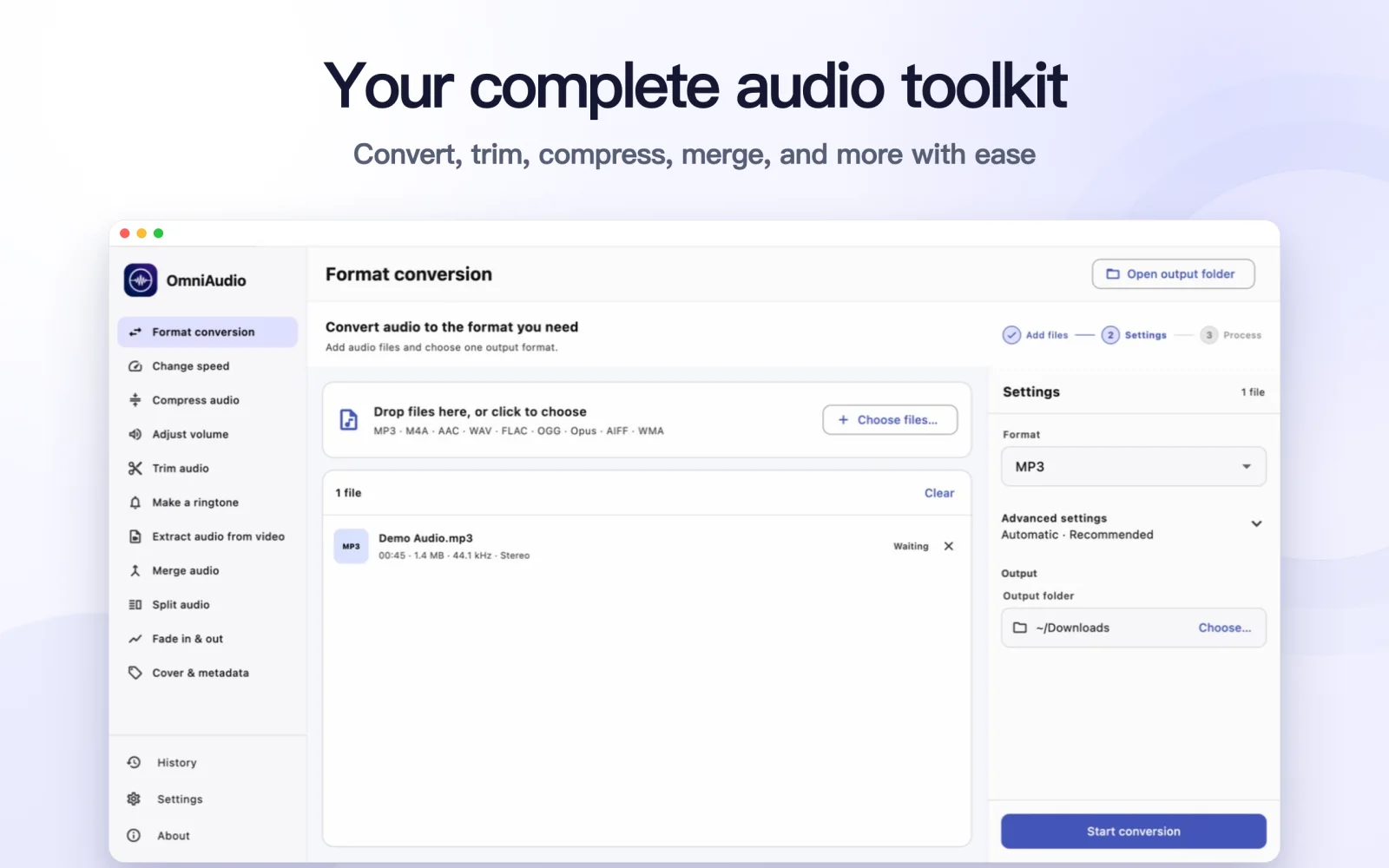
Step by step
Choose the destination first
Check what the phone, player, website, editing app, or recipient accepts.
Decide whether lossless audio is required
For archiving and future editing, preserve a lossless master. For listening and sharing, a good lossy file is often more practical.
Avoid unnecessary conversions
If the current format already works, changing it may add processing without a meaningful benefit.
Convert from the best source available
When a new format is necessary, start from the original or highest-quality copy.
Good to know
MP3
Broad compatibility and convenient sharing; lossy.
M4A / AAC
Efficient lossy audio commonly used on modern devices. M4A can also contain ALAC.
FLAC / ALAC
Lossless compression for archiving without discarding audio data.
WAV / AIFF
Typically large, widely used for uncompressed production workflows.
OGG / Opus
Efficient open formats, but destination support should be checked first.
Common questions
Is FLAC always better than MP3?
FLAC preserves more source data, but it is larger. MP3 may still be the better delivery format when compatibility and size matter.
Does changing the extension convert a file?
No. Renaming an extension does not change the codec or container. Use a real conversion tool.